
Cool stuff to hover over
CommentTribe hides a few extras behind your mouse. Every demo on this page is live: hover it, or tap it on a phone.
Giant profile pictures
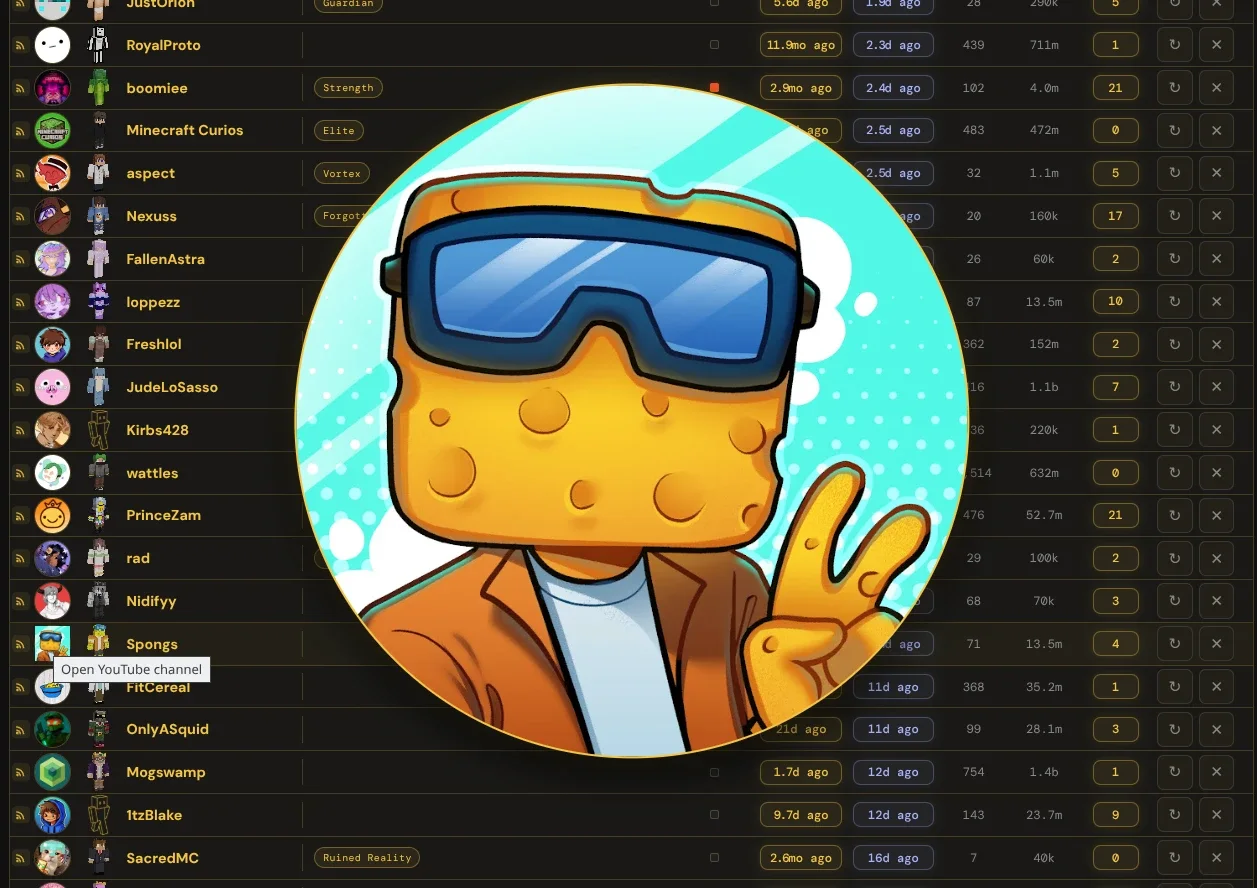
In Manage Channels, hover anyone's profile picture and it fills the middle of the screen, so you can see who you're looking at without opening their channel.
Try it: hover the picture in the row.
Full-size Minecraft skins
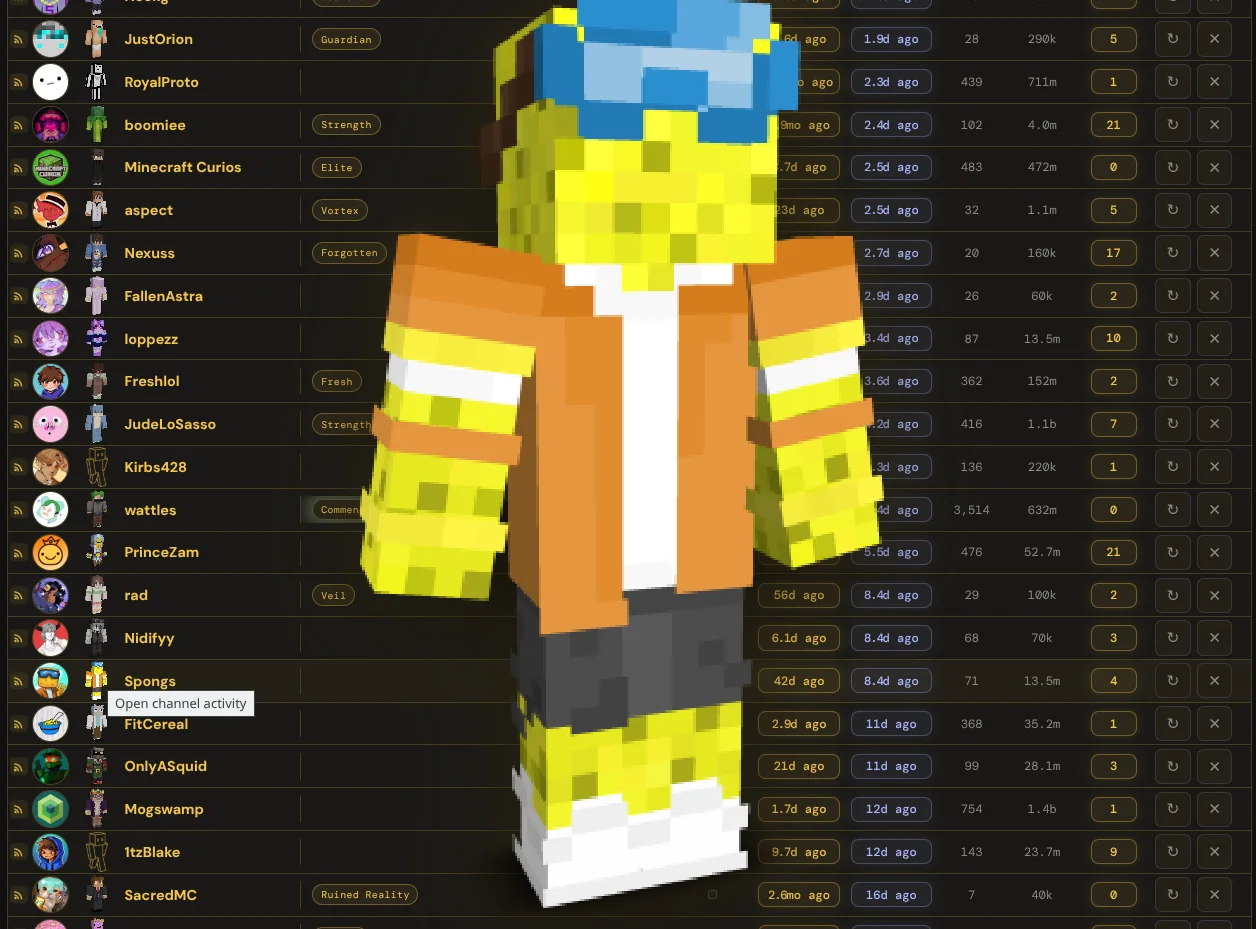
Right next to the picture is the channel's Minecraft skin. Hover it and the whole skin stands up in the middle of the screen, pixel-sharp.
Wrong skin? Click it on the Activity page to fix the match.
Try it: hover the little figure in the row above.
New uploads glow
A video that just came out glows bright green and pulses. Over its first 24 hours the glow fades in five steps, so the newest uploads jump out of a long list.
LIVE right now
When a channel is streaming, its stream button turns orange, says LIVE and pulses. The popup puts live channels at the top, and their Activity page gets a LIVE button too.
And if a channel's video count suddenly drops, because videos were deleted or hidden, the number turns red for a day so you notice.
Peek before you click
In the popup, hover a video thumbnail to see it big, with the channel and title, before you open it.
Try it: hover the thumbnail.
 CommentTribe
Follow the people in the comments
A player that keeps going
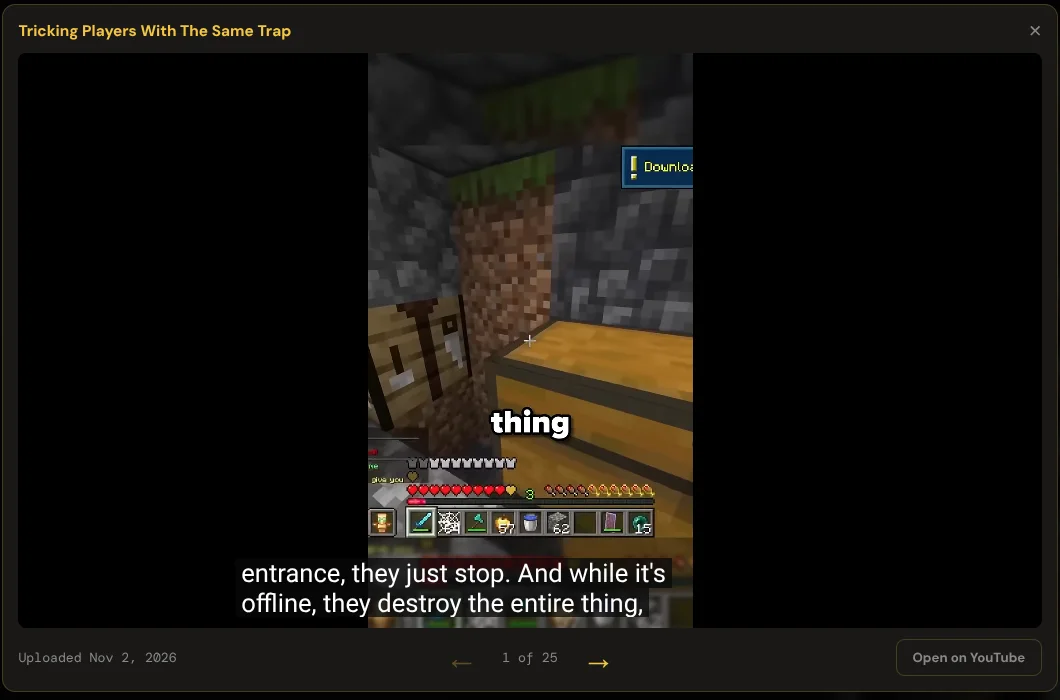
Click a video on an Activity page or an SMP or category page and it plays right there, over the page, without leaving CommentTribe.
- ← → step through the whole column: "1 of 25". The arrow keys work too.
- When a video ends, the next one starts on its own.
- Shorts play upright, the way they were filmed.
- Open on YouTube closes the player and opens the video in a new tab, so nothing plays twice.
- Esc closes it.
Six color schemes
Pick a look in system preferences and every CommentTribe page and the popup switch to it instantly. Each one is named after a Minecraft block.
Try it: pick one, and this page changes color.
Want to know what every button does? See the guide.